Description
Append/prepend text to one or more columns.
Example
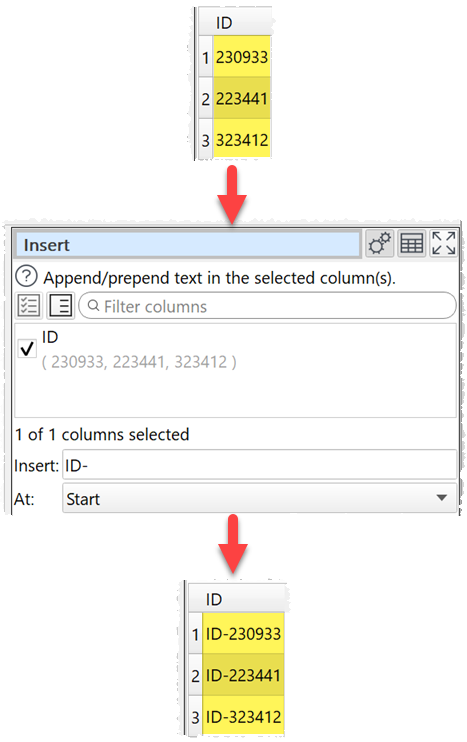
Add 'ID-' to the front of a column of text:
Inputs
One.
Options
•Check the column(s) you wish to transform.
•In Insert put the text you want to insert. You can use a column variable.
•In At put the position you want the text inserted.
Notes
•You can use Whitespace to remove whitespace before inserting.
See also
•Pad