Once your data has been transformed into the desired form, you can visualize it in a chart.
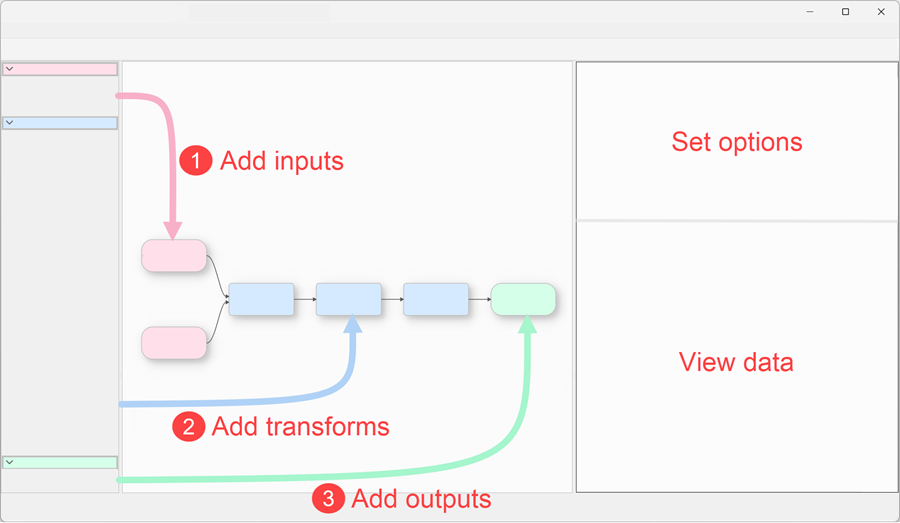
To create a Chart item, select an Input or Transform item in the Centre pane and click the To Chart button at the bottom of the Left pane, under Output. You may need to scroll down to see it.
A Chart item will be added to the Center pane.
Charts are only available in Easy Data Transform Advanced Edition.
|