This production release adds enhancements and bug fixes to Easy Data Transform v2.14.1.
You will require a v2 license to use this release after the free trial has expired. You can buy a new license key here or, if you have a v1 license key, you can buy a discounted upgrade here. See also our upgrade FAQ.
We recommend that you back-up important .transform files before installing any new release.
Please let us know of any problems or issues you encounter with the release.
The download links are at the bottom of the page.
System requirements
Windows: 64 bit Windows 11/10/8/7 (Intel processor) or 64 bit Windows 11 (ARM processor).
Mac: macOS 27 to 10.13 (Universal Binary for ARM M series or Intel processors).
Compatibility
This version can read .transform files saved in all previous versions.
All Editions
Windows and Mac
1. A new File Info transform has been added. This will output various information about files that exist on your local computer.

The column selected should contain the absolute paths (locations) of files on your computer. No information will be output for folder paths (e.g. C:\myfolder\) or relative file paths (e.g. .\myfile.csv).
You can optionally compute a hash value for each file. Files with identical contents will have the same hash value, so you can use this with the Dedupe transform to find duplicate files.
Note that it is theoretically possible for 2 different files to have the same hash value. But such ‘collisions’ are extremely unlikely. The longer the hash key the less chance of a collision, but the longer the hash takes to compute.
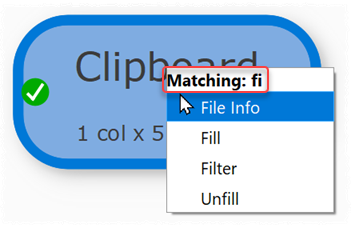
2. If you select an Input or Transform item and type to filter the transforms, the text typed is now shown as feedback at the top of the menu. Thanks to Ziad for raising the issue about the lack of feedback.
3. Fixed an issue where the options of copied and pasted transforms were not always correctly displayed in the Right pane when first pasted. Thanks to Peter N. for reporting this.
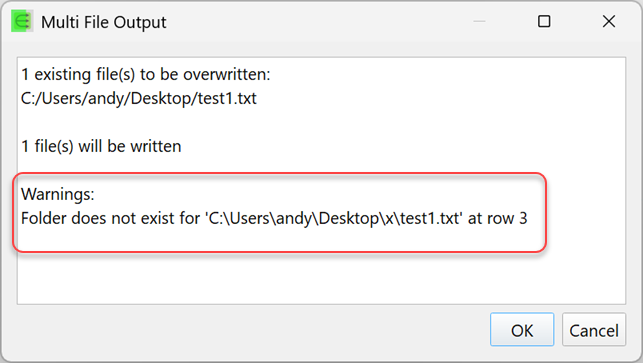
4. When outputting to multiple files from an Output item, warnings about missing folders and invalid files are now shown in the Multi File Output window before processing. Thanks to Sheng for raising the issue.
Windows only
5. Previously the title bar for Windows 10 and 11 was light in dark mode:
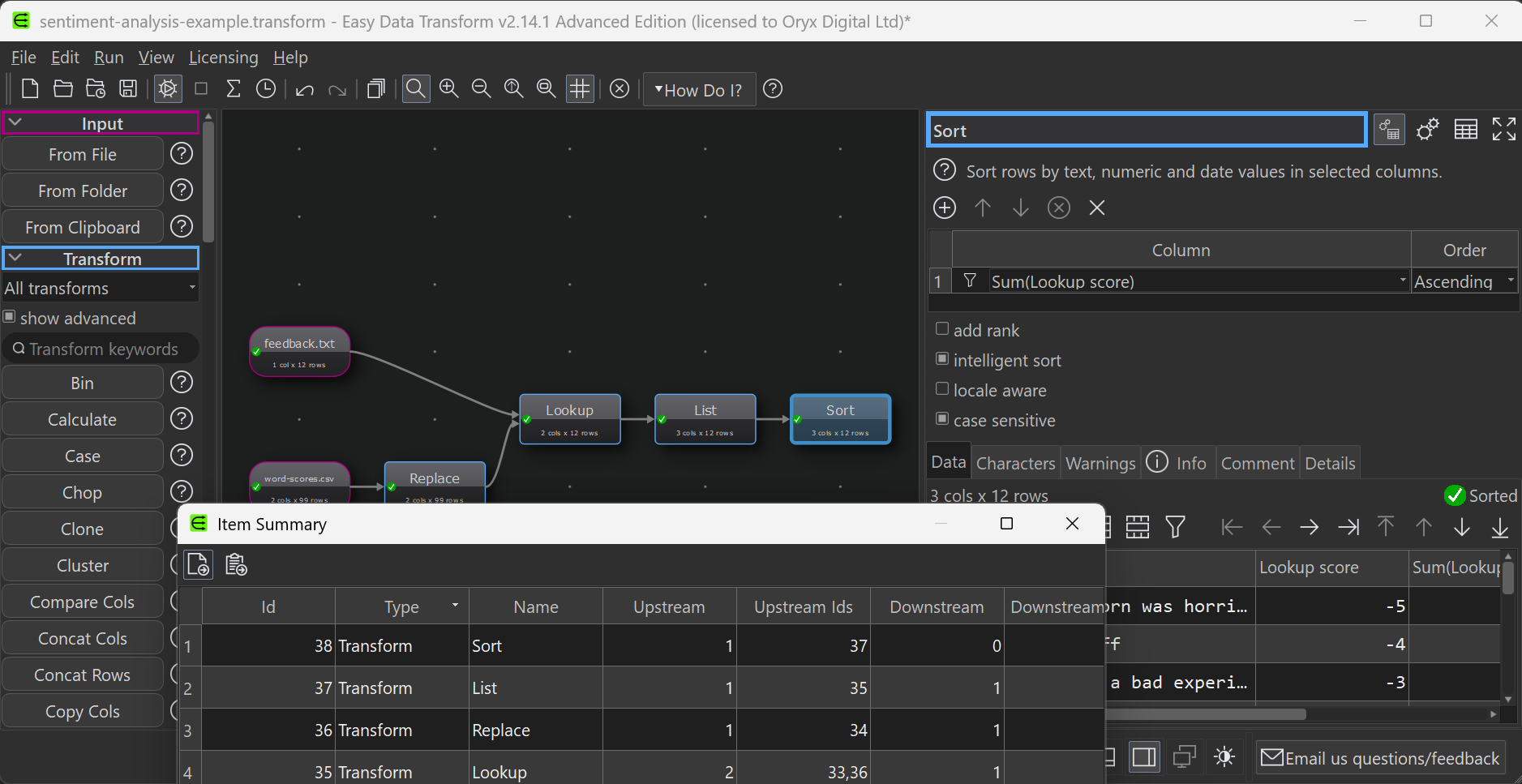
This is now fixed:

Thanks to Sheng for suggesting this.
Mac only
6. We have tested this release on macOS 27.
 Windows Download
 Mac Download