Easy Data Transform v2.12.0 is now available
Easy Data Transform v2.12.0 is now available for Windows and Mac. Improvements include:
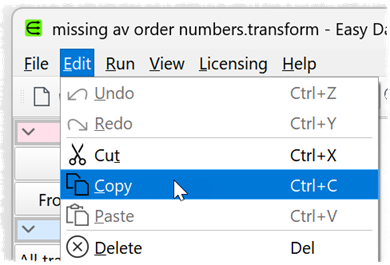
- You can now use Edit>Cut, Edit>Copy and Edit>Paste to cut, copy and paste items in the Center pane.
- Output to the log pane, from batch processing and from command line processing has been made clearer and more consistent.
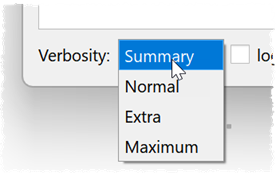
- You can now control the level of verbosity of output during batch processing and command line processing.
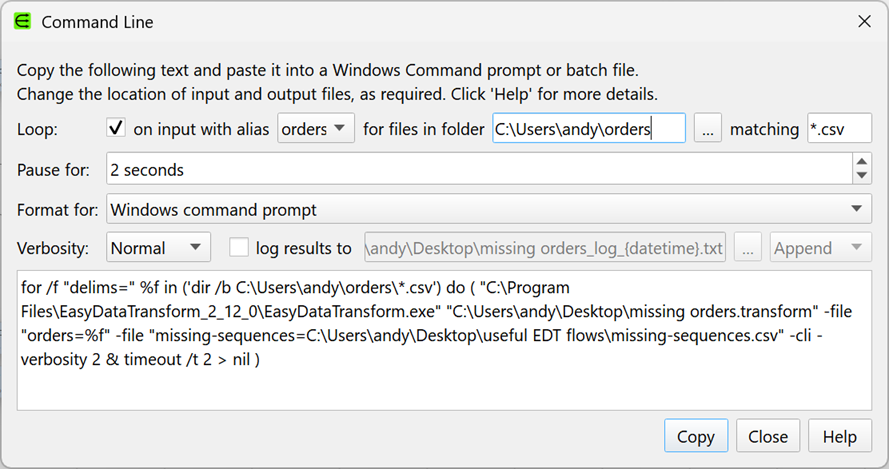
- Improvements to the Command Line window, including support for loops.
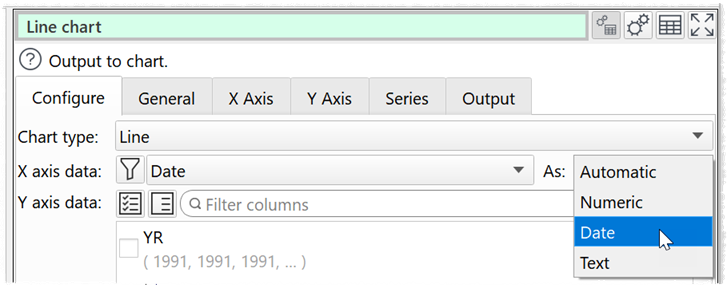
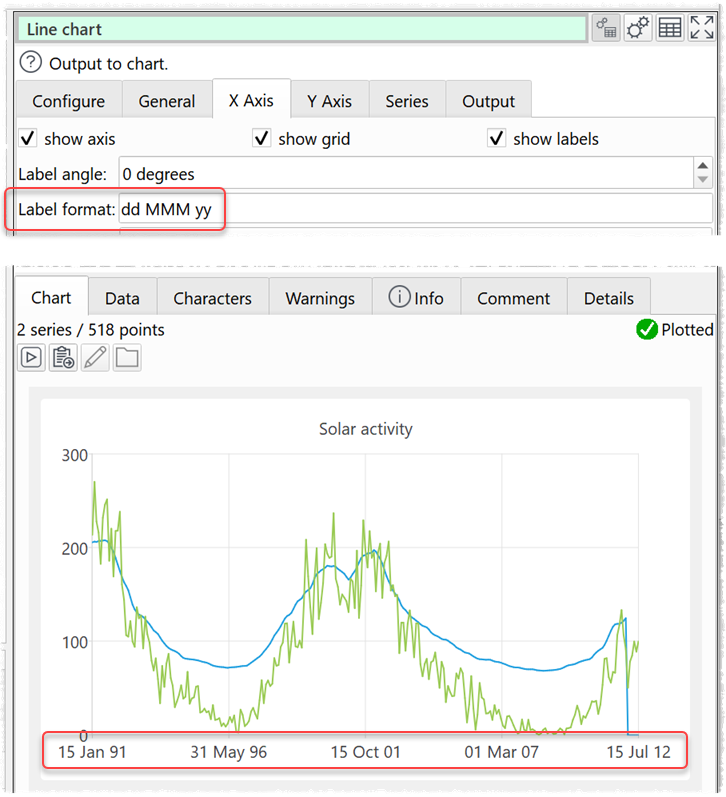
- You can now use columns of date values for the X axis of Scatter, Line, Smooth Line and Area charts.
- Minor improvements and bug fixes.
Find out more and download the new release:
This is a free upgrade for everyone with a valid v2 license. If you purchased a v2 license you can have it resent here.
If you don’t have a v2 license you can purchase one here.
If you have a v1 license, you can upgrade to v2 Core Edition with a 60% discount here. See also the upgrade FAQ.
If you have a v2 Core Edition license, you can upgrade to v2 Advanced Edition here. See also the upgrade FAQ.
Thanks to everyone who sent us bug reports and suggestions for improvements.
Copy and paste
Copy and paste was the most voted for feature in our recent forum poll.
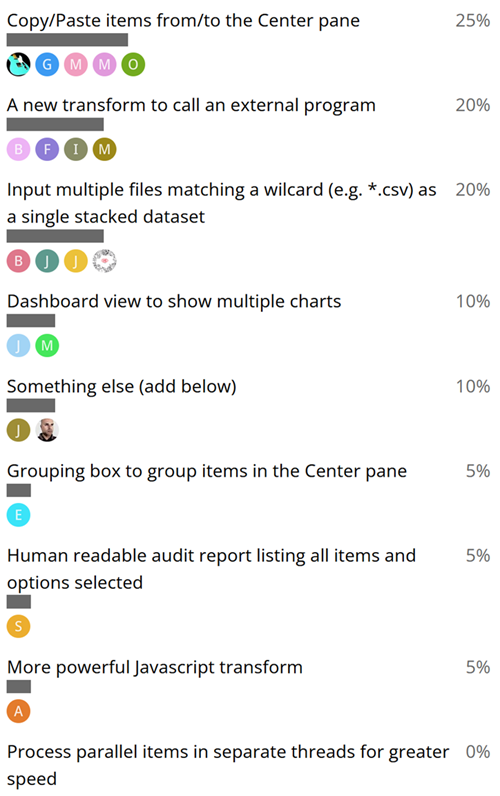
It is now available in v2.12.0.
Multiple different forms of copying are supported in Easy Data Transform:
- Copy: Copies selected items and connections to the clipboard, ready to Paste to the same or different .transform files. Available in the main and Center pane right click menus.
- Cut: Is the same as Copy, but also deletes the selected items and connections from the current .transform file. Available in the main and Center paneright click menus.
- Copy Dataset: Copies the data from a single selected item to the clipboard (format set in Preferences). You can Input>From Clipboard to create a new Input item from this data. Available in the Center pane right click menu and Right pane.
- Copy Data Values: Copies the selected data value cells to the clipboard (format set in Preferences). Available in the Data table right click menu.
- Duplicate Branch: Makes a duplicate of the selected item, and all items downstream of it, in the current .transform file. Available in the Center pane right click menu.
- File>Save As: Makes a copy of the current .transform file. Available in the main menu.
You can also copy datasets, columns and rows using Clone, Copy Cols and New Rows transforms.
And finally…
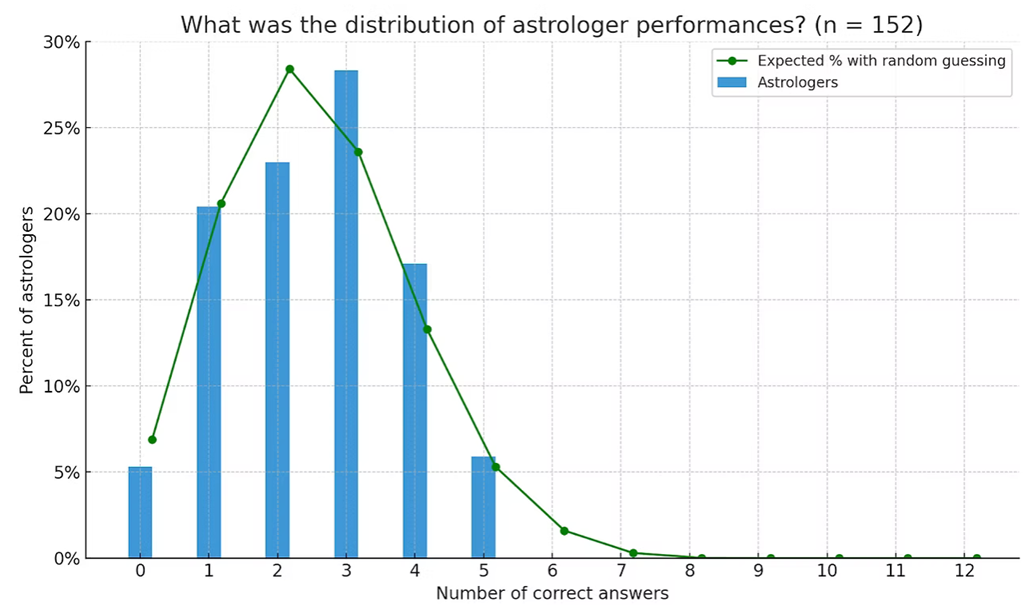
clearerthinking.org produced a detailed statistical study on whether astrologers can gain insights from astrological charts. They asked 152 astrologers to match people with their birth charts. The astrologers expected to do well. However, you probably won’t be surprised to learn, that the astrologers did no better than random guessing.
Andy Brice
Oryx Digital Ltd
21-Apr-2026